Cursor 3 Launches: AI Code Editor Gets Major Redesign for Software Development
Cursor released version 3 of its AI-powered code editor with a completely redesigned interface. The new version creates a unified workspace that lets software developers work alongside AI agents to build programs.
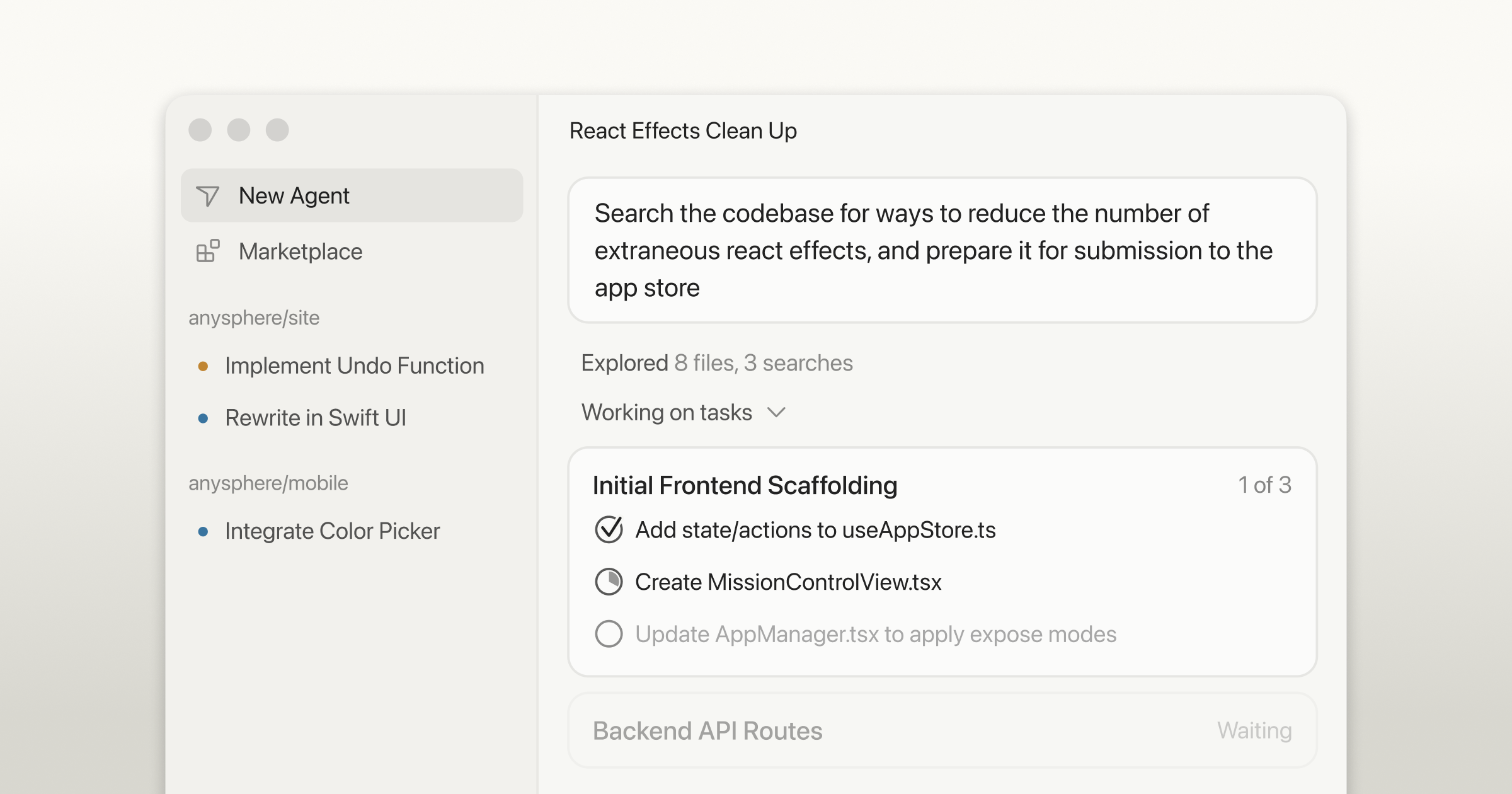
Cursor released version 3 of its AI-powered code editor with a completely redesigned interface. The new version creates a unified workspace that lets software developers work alongside AI agents to build programs.
The biggest change is a new "Agents Window" that gives users a clearer view of what the AI is doing. Instead of just getting code suggestions, developers can now see the AI's work process and choose when to dive deeper into details.
Cursor says the new interface is "faster, cleaner, and more powerful" than the previous version. The company built the new design from scratch around working with AI agents rather than treating AI as an add-on feature.
Some users on developer forums are comparing Cursor's performance to other AI coding tools. While opinions vary on which works best, many note that Cursor has been good at producing useful code even when users give unclear instructions.
The update represents a major shift in how coding tools work, moving from simple text editors to platforms designed around human-AI collaboration.
This could make coding easier for both professional developers and people learning to program. AI coding tools are changing how software gets built, potentially making it faster and more accessible to non-experts.
Developers will test the new interface and provide feedback on its performance compared to other AI coding tools.
Was this article helpful?
0 people found this helpful