Google Launches PaperOrchestra AI Tool to Write Research Papers Automatically
Google AI Research released PaperOrchestra, a new AI system that can automatically write research papers. The tool takes messy lab notes and scattered results, then turns them into polished papers ready for publication.
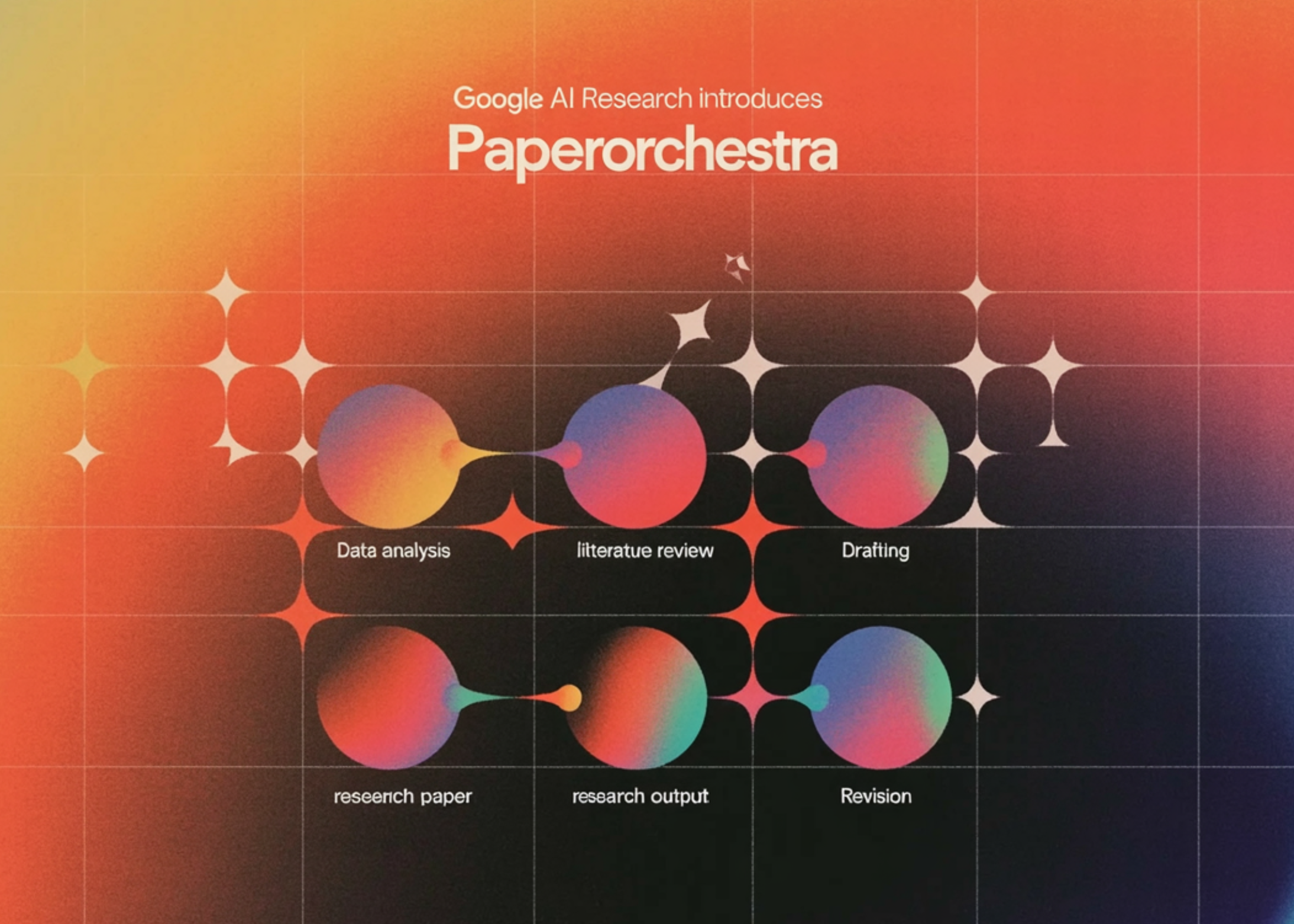
Google AI Research launched PaperOrchestra, an artificial intelligence system that automates the grueling process of writing research papers. The tool uses multiple AI agents working together to transform unstructured lab notes, data tables, and rough ideas into publication-ready manuscripts.
The system can create complete LaTeX documents formatted for specific conferences and journals. It also writes literature reviews and generates visual elements like charts and diagrams automatically.
Researchers often spend weeks translating their experimental results into coherent papers. Many promising studies never get published because this writing process is so time-consuming and difficult, especially for new researchers.
Google also created a new benchmark called PaperW to test how well AI systems can write academic papers. The company plans to expand the tool to handle more complex tasks like advanced data visualization and integration with specialized research databases.
Writing research papers takes weeks and often kills promising studies. This AI could speed up scientific discoveries by helping researchers publish faster. It might also change how academic writing works across universities.
Google will likely test PaperOrchestra with university partners and expand its capabilities to other scientific fields.
Was this article helpful?
0 people found this helpful